
Reading Time:1 minute
0 words
Settings
The Settings page provides global configuration management for the GM Desktop Client, including password protection, general settings, and version information, helping you personalize client behavior.
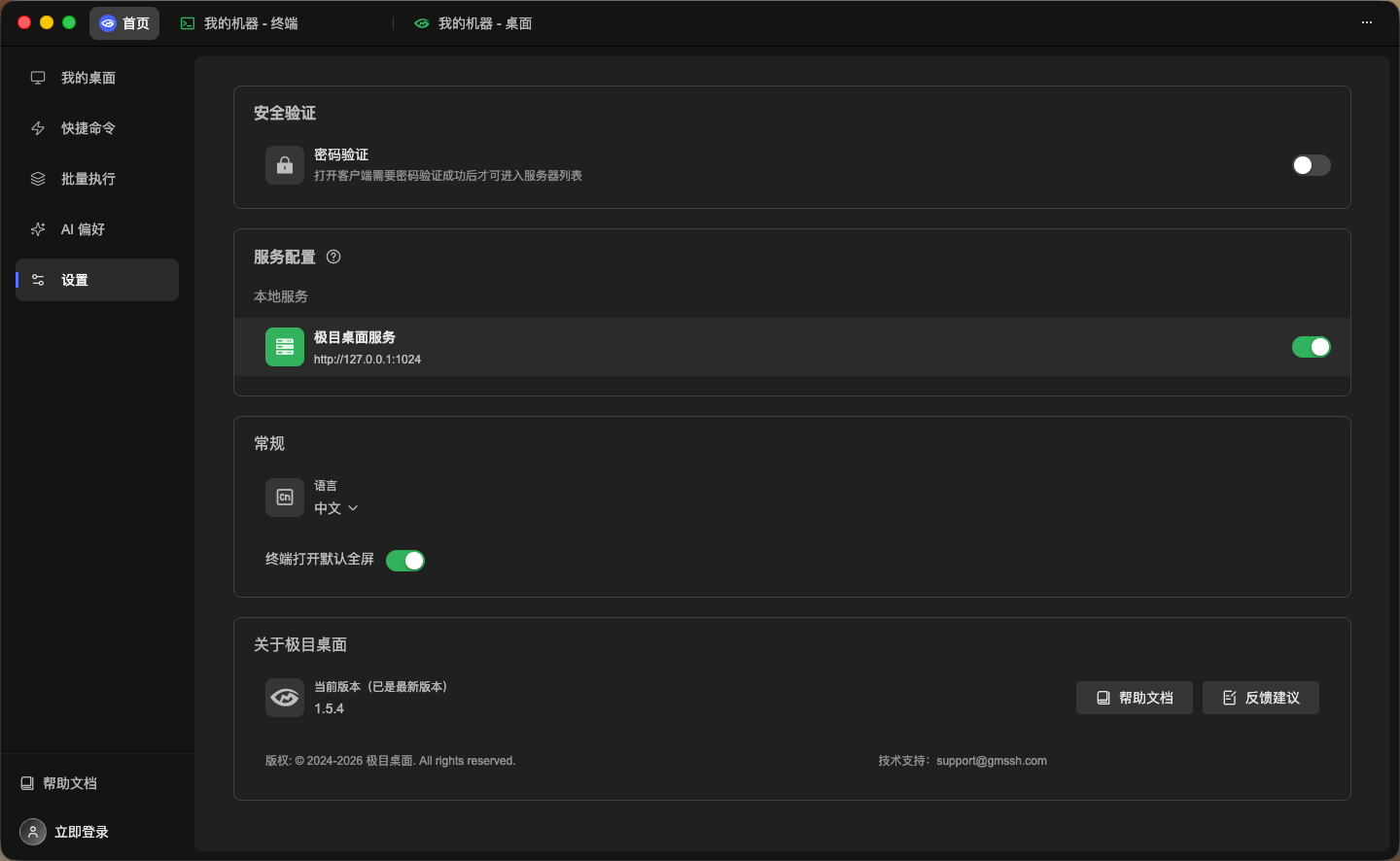
Password Protection
Password protection adds a security barrier to the GM Desktop Client. When enabled, password verification is required each time the client is launched or restored from the background, preventing unauthorized access to your servers.
- Password Toggle: Enable/disable password protection via the right-side switch.
- Once enabled, set an access password. Subsequent client access will require verification.
General
Language
Switch the client interface language via the dropdown menu:
- 中文 (Chinese, default)
- English
Quick Copy
- Description: Left-click text selection in terminal automatically copies (supports double-click word / triple-click line selection).
- Default: Enabled.
- When enabled, selecting text with the mouse in the terminal automatically copies to clipboard — no need for
⌘ + C.